What is Builderius?#
Builderius is a powerful, flexible site builder designed for developers and creative professionals who want complete control over their website's design and functionality. Builderius takes a unique approach by offering the "code-first" experience. It allows you to craft fully custom websites using a built-in code editor for CSS, with seamless two-way syncing between the code editor and the visual UI. This ensures you can work with precision and flexibility without compromising on performance or scalability. Whether you're building a simple site or a complex web application, Builderius gives you the freedom to customize every detail while ensuring a fast and streamlined workflow. Its intuitive interface and robust features make it a game-changer for those who value creative freedom and flexibility in web development.
Learn more about Builderius on the official website.
Using Tailwind CSS with Builderius#
WindPress provides a simple way to use Tailwind CSS with Builderius. It's first-class integration with Builderius allows you to use Tailwind CSS in your Builderius plugin without any additional configuration, providing a seamless experience.
Builderius integration is available in the WindPress pro edition.
WindPress will automatically load the necessary modules to provide the full Tailwind CSS experience, including the compiler and scanner.
Features#
WindPress provides a range of exclusive features to enhance your Builderius experience with Tailwind CSS.
Autocomplete class names#
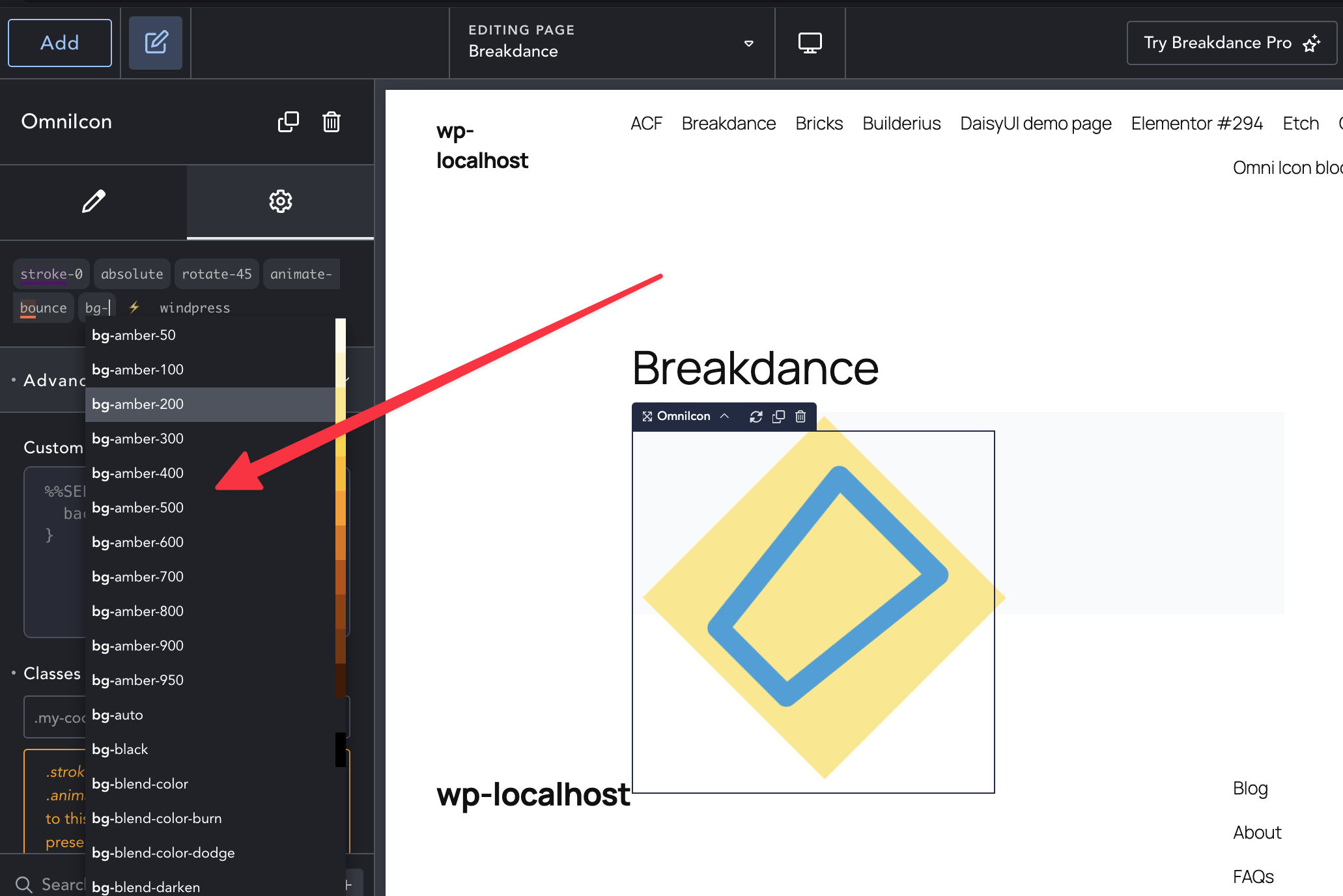
As you type in the Plain Classes input field, WindPress will provide intelligent suggestions for Tailwind CSS class names that match the configuration of your Tailwind CSS project. Less guessing, more productivity.
The suggestion list automatically updates as you type, providing you with the most relevant class names.
Variable Picker#
The variables in Tailwind CSS are available starting from version 4.x and later.
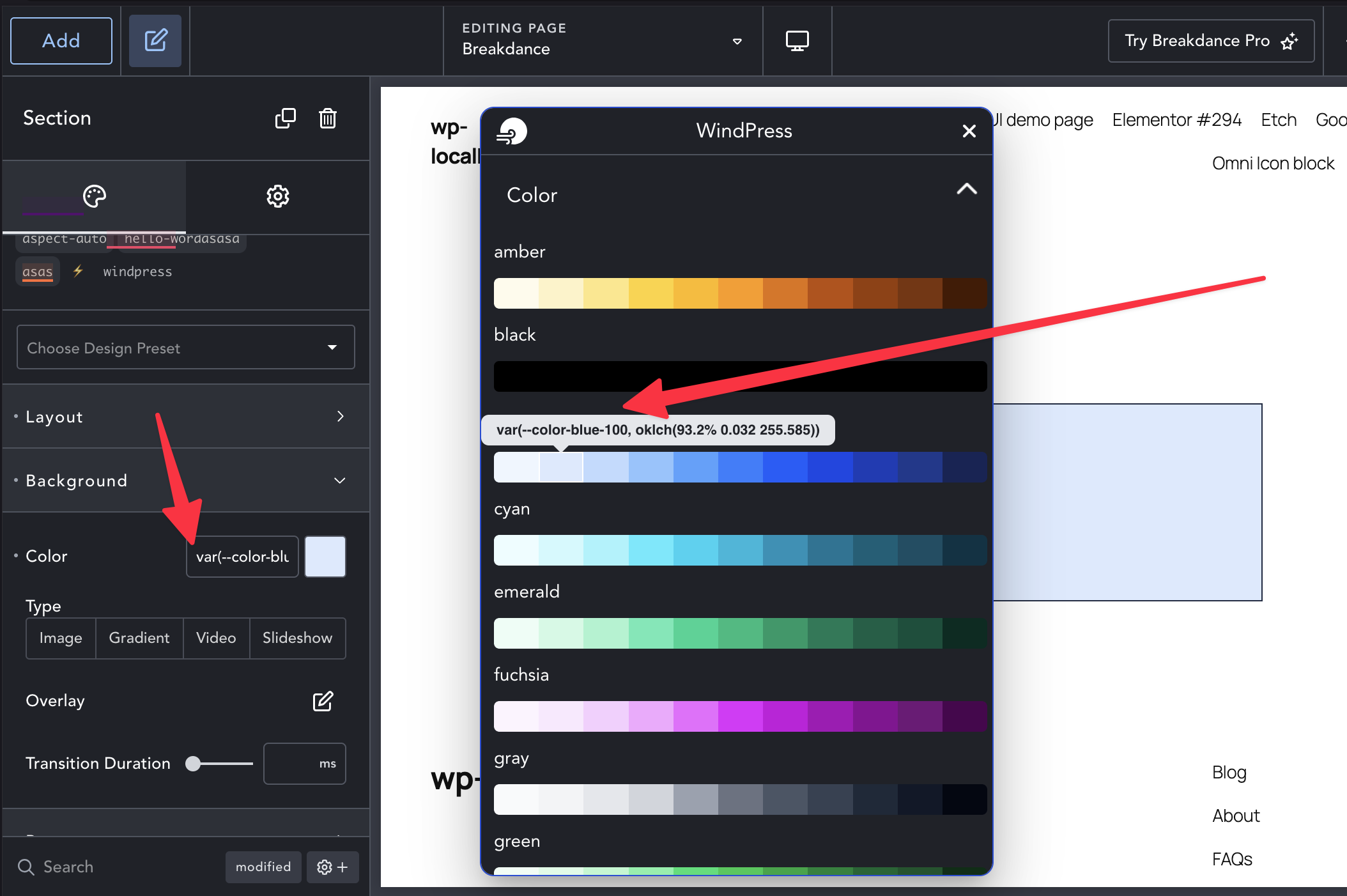
Want to compose a custom class with the Tailwind CSS design system? WindPress provides a Variable Picker that allows you to select the Tailwind CSS variables and compose a custom class on the Breakdance editor. The Variable Picker provides a visual way to select the variables and see the generated CSS in real-time.
To access the Variable Picker panel, shift + left-click on the style input field in the Element settings panel.