Adobe Fonts is a font subscription service offered by Adobe with over 20,000 fonts from hundreds of type foundries.
Despite Adobe doesn't offer the ability to locally host the web font files on your server, it's pretty easy to embed Adobe Fonts on your WordPress website with Jooosi Fon.
Step 1: Get the Project ID#
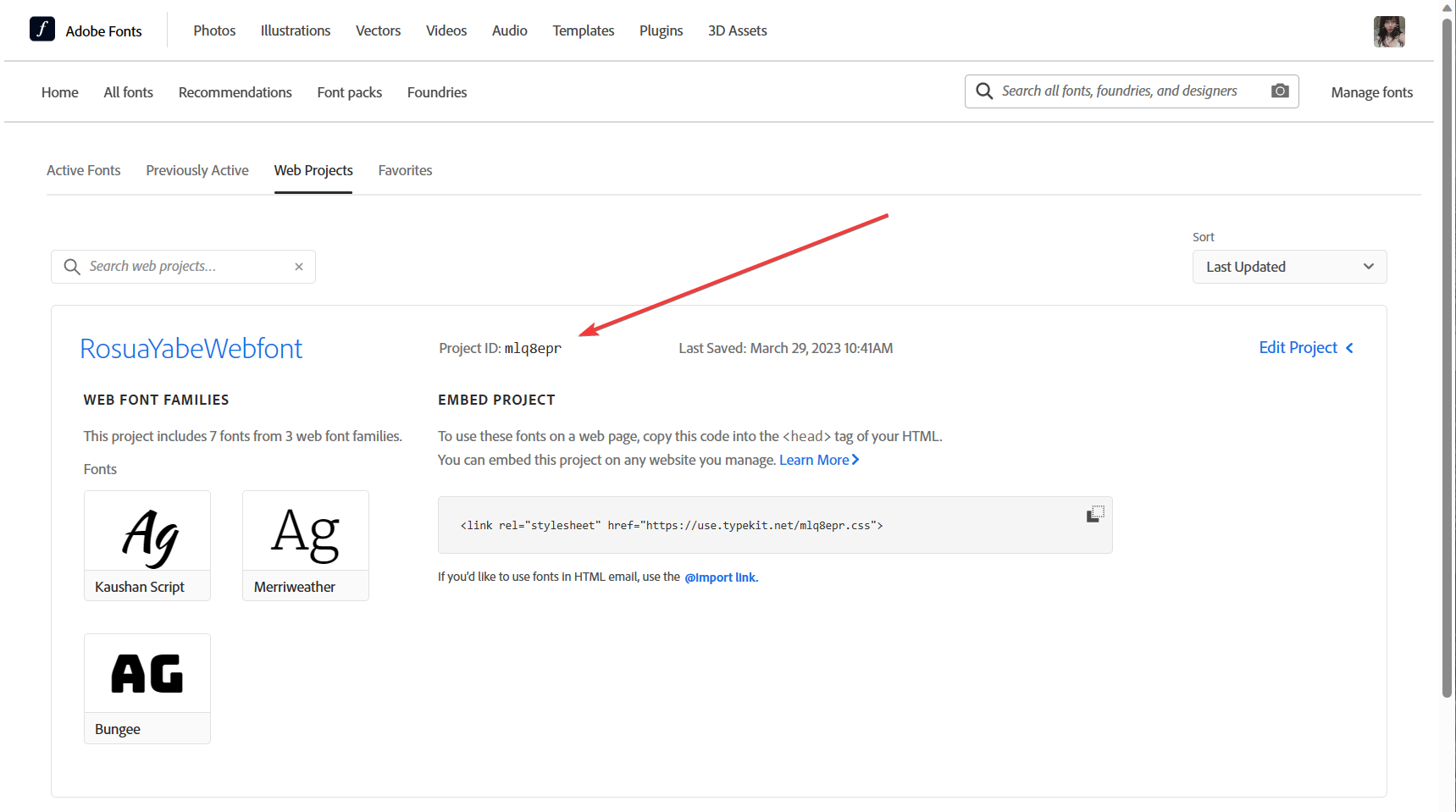
Visit https://fonts.adobe.com/my_fonts and sign in to your account. Then copy the Project ID of the project you want to use.
Step 2: Open the Settings page#
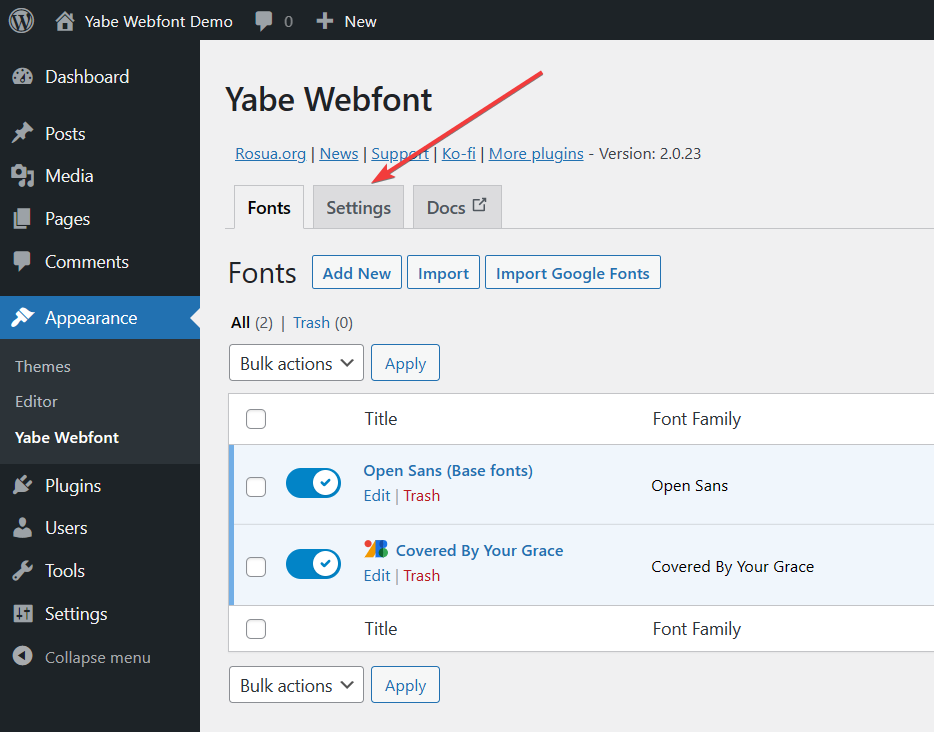
On your WordPress website, go to Appearance → Jooosi Fon and switch to the Settings tab.
Step 3: Sync the project#
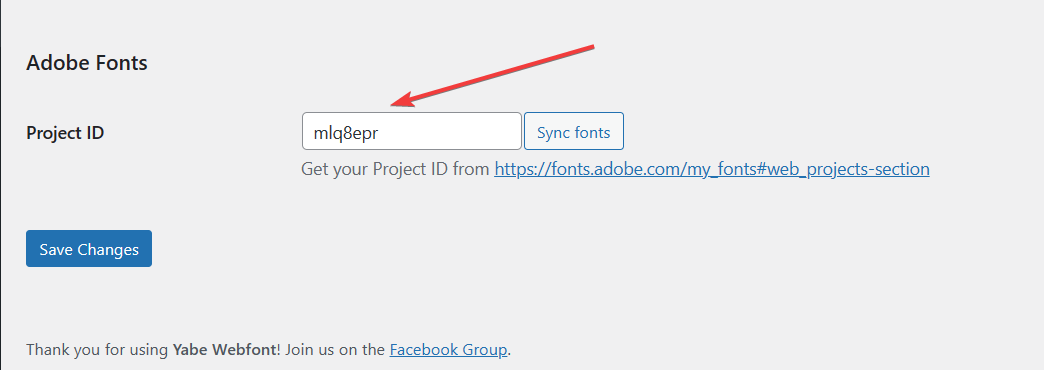
Paste the Project ID you copied in Step 1 into the Adobe Fonts → Project ID field and click the Sync button.
Step 4: Synced!#
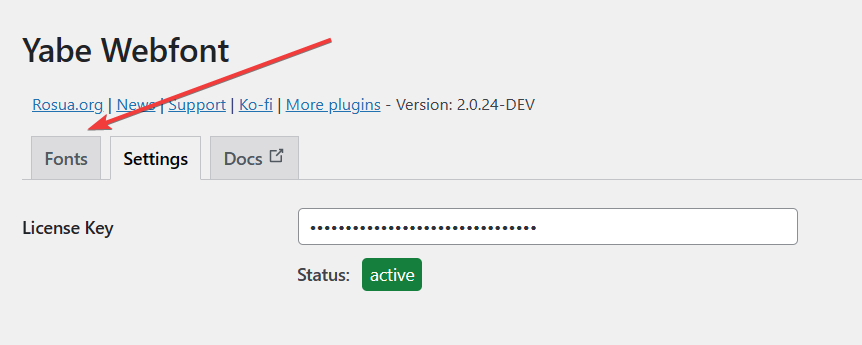
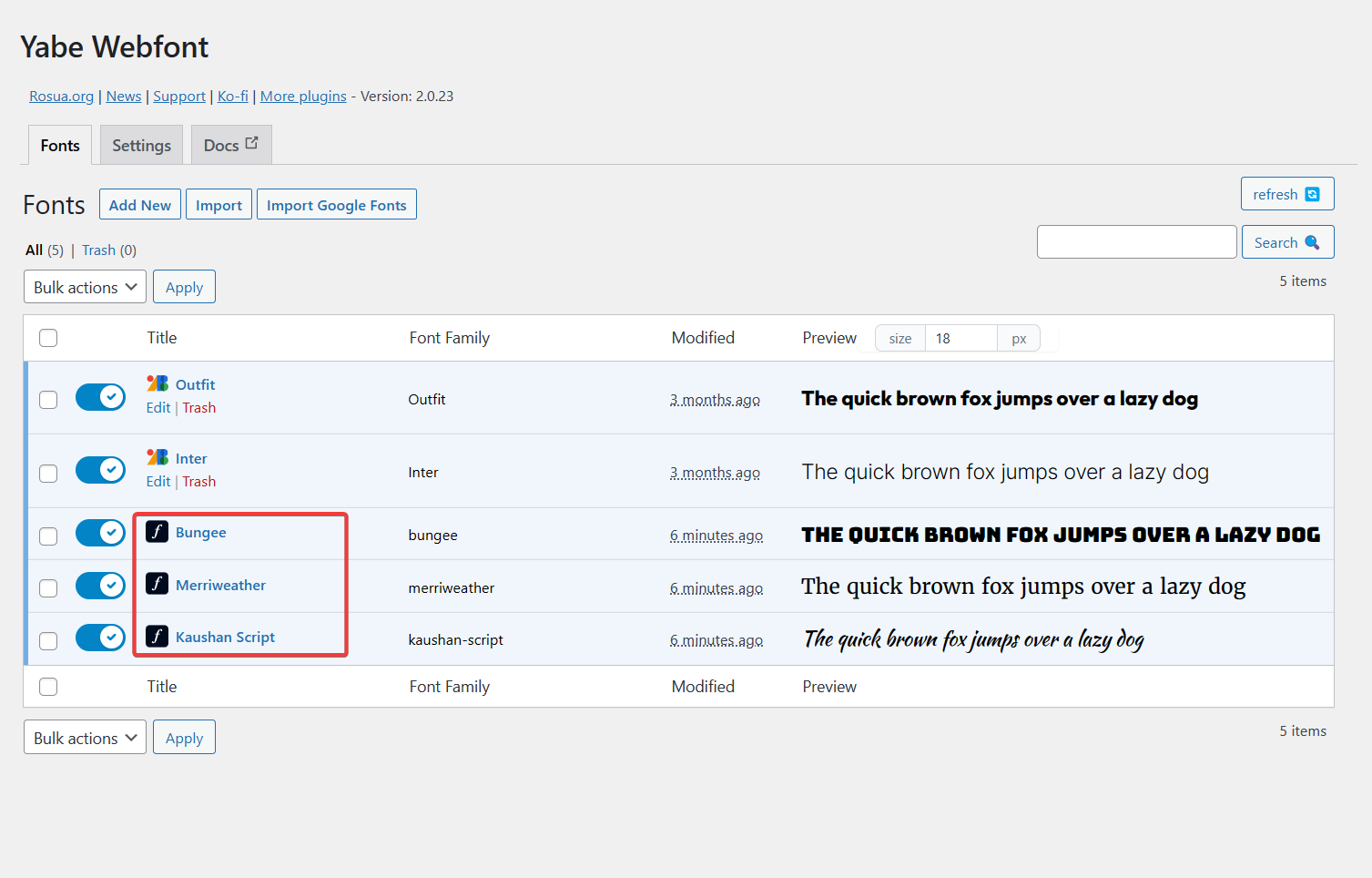
If the synchronization is successful, you will see a success message. Switch to the Fonts tab, and the fonts in the project are synced will appear in the list.